Everything PlanPot does, in plain terms
No feature here exists to lock you into someone else's recipes. Each one is built to make the meals your family already cooks easier to plan, share, and shop for.
Add a recipe however it reaches you
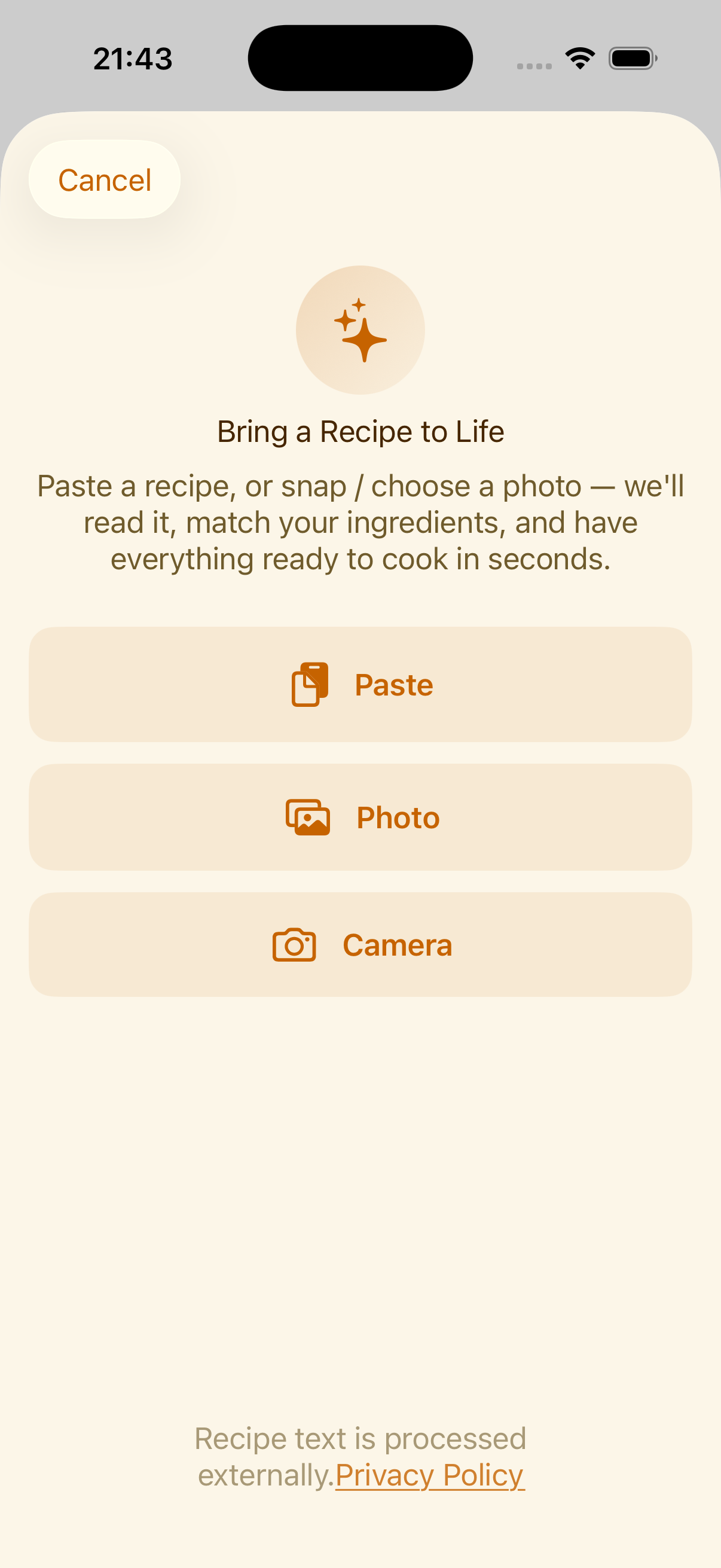
Most recipes don't arrive as a tidy card. They're a photo of a cookbook page, a screenshot from Instagram, a link a friend sent, or a paragraph pasted from a group chat.
PlanPot reads any of those and structures it into ingredients, quantities, and steps automatically. You review the result and confirm any amount it converted before it's saved. Nothing is added to your library silently.
Every recipe, organized your way
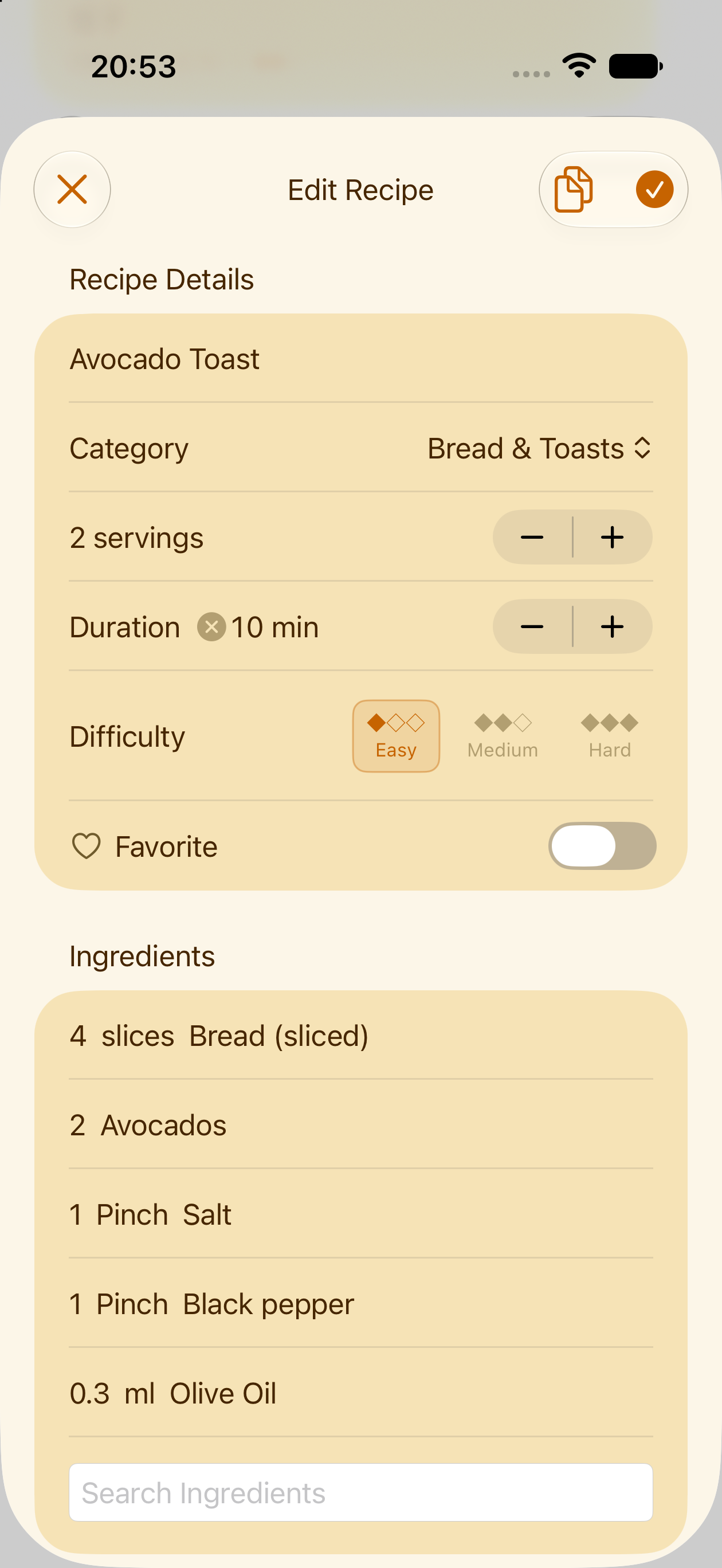
Save recipes with ingredients, steps and serving sizes, then find them again in seconds. Making something similar to one you already have? Tap the duplicate icon, the two overlapping pages next to a recipe, to make a copy of it and tweak that instead of typing the whole thing out again.
Tap the heart to favorite the recipes your family asks for again and again, so they're first in line the next time you're planning the week.
Plan a week, not just a dinner
Add recipes onto the days you'll cook them, sorted into breakfast, lunch, snack and dinner, or any other categories you feel like. The calendar is the single source of truth for the household. Check it instead of asking.
Notes and single ingredients
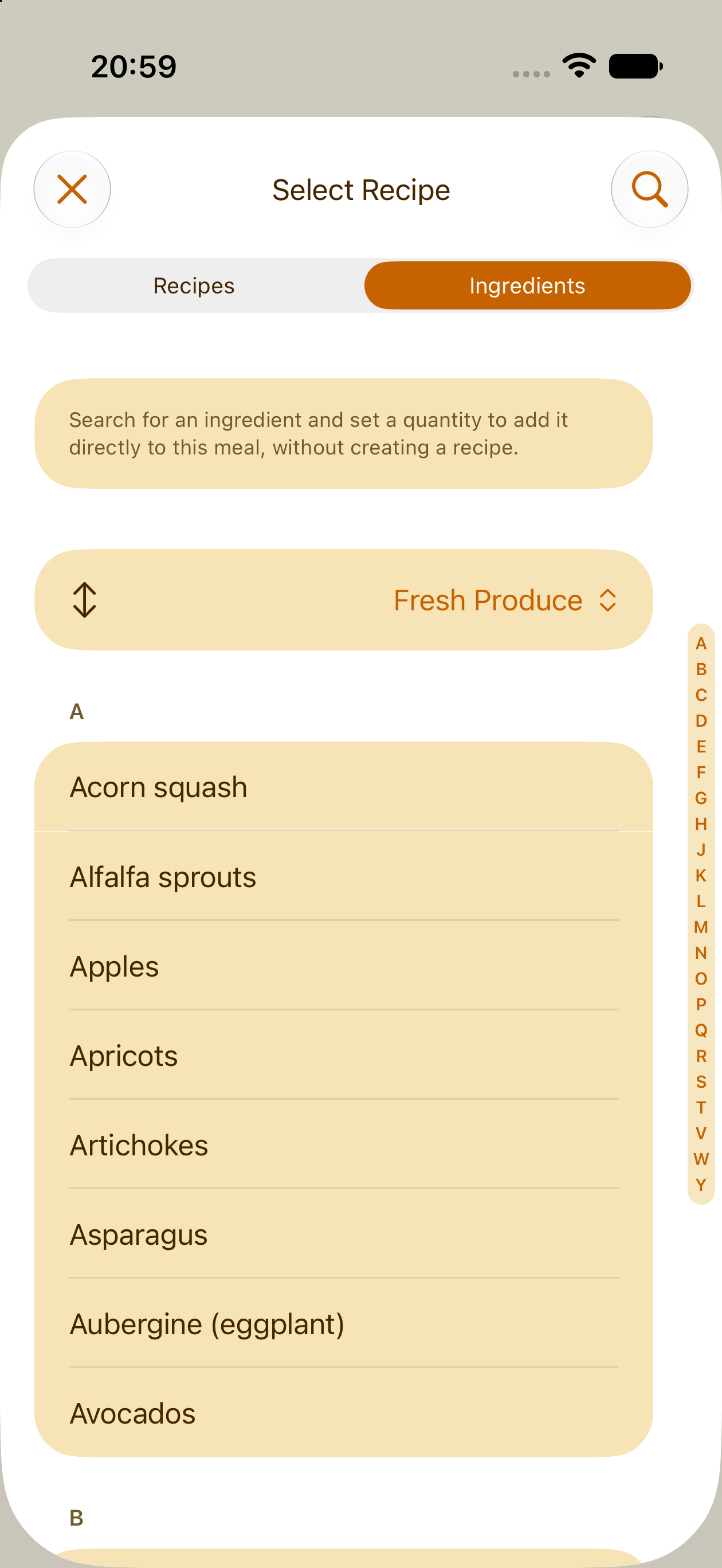
Add a note to any day for the details a recipe doesn't cover. Don't need a whole recipe for a side of fruit or a slice of bread? Add a single ingredient straight to the plan instead.
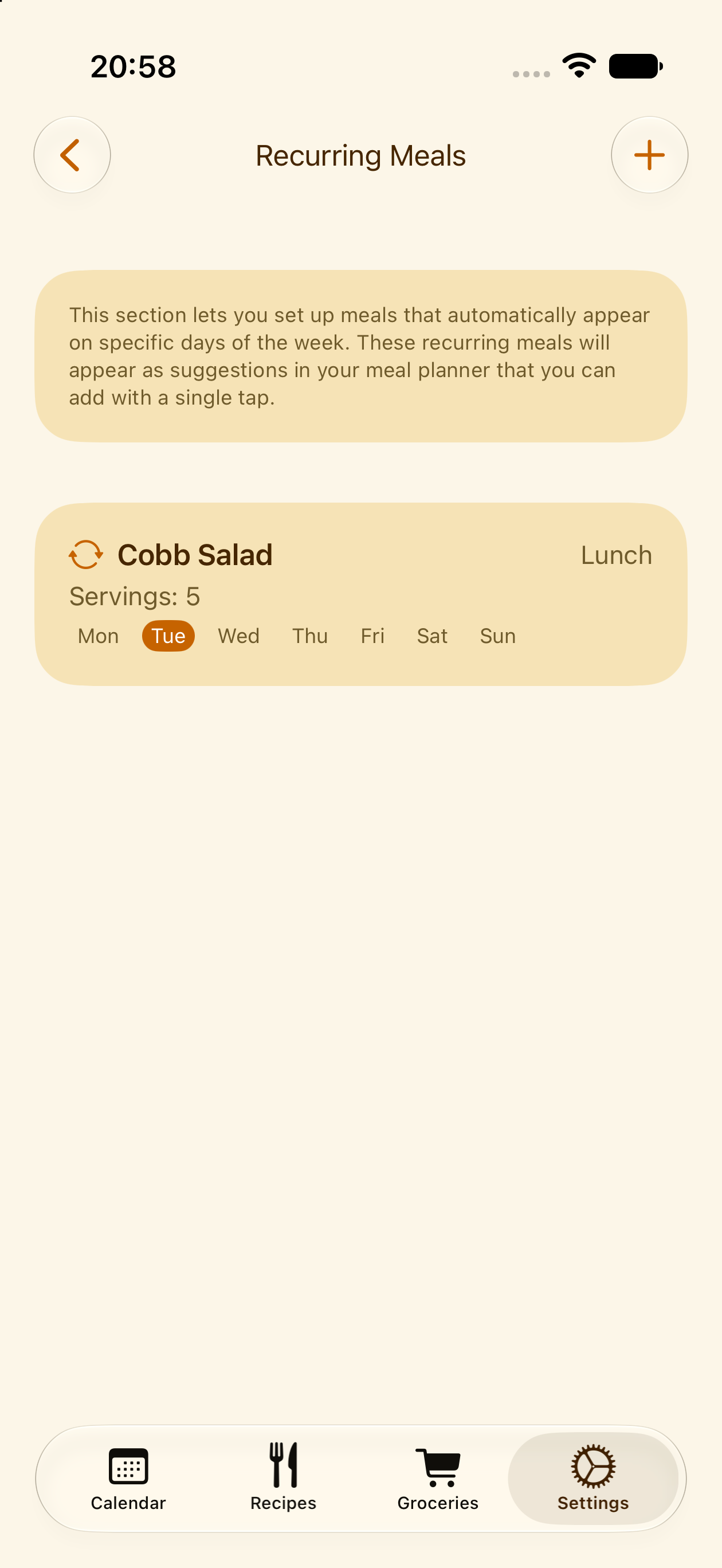
Recurring meals
Mark the ones you make most weeks as recurring, so they reappear on the calendar without any extra planning. Something come up one week? You can always remove that single occurrence from the plan without touching or deleting the recurring meal itself.
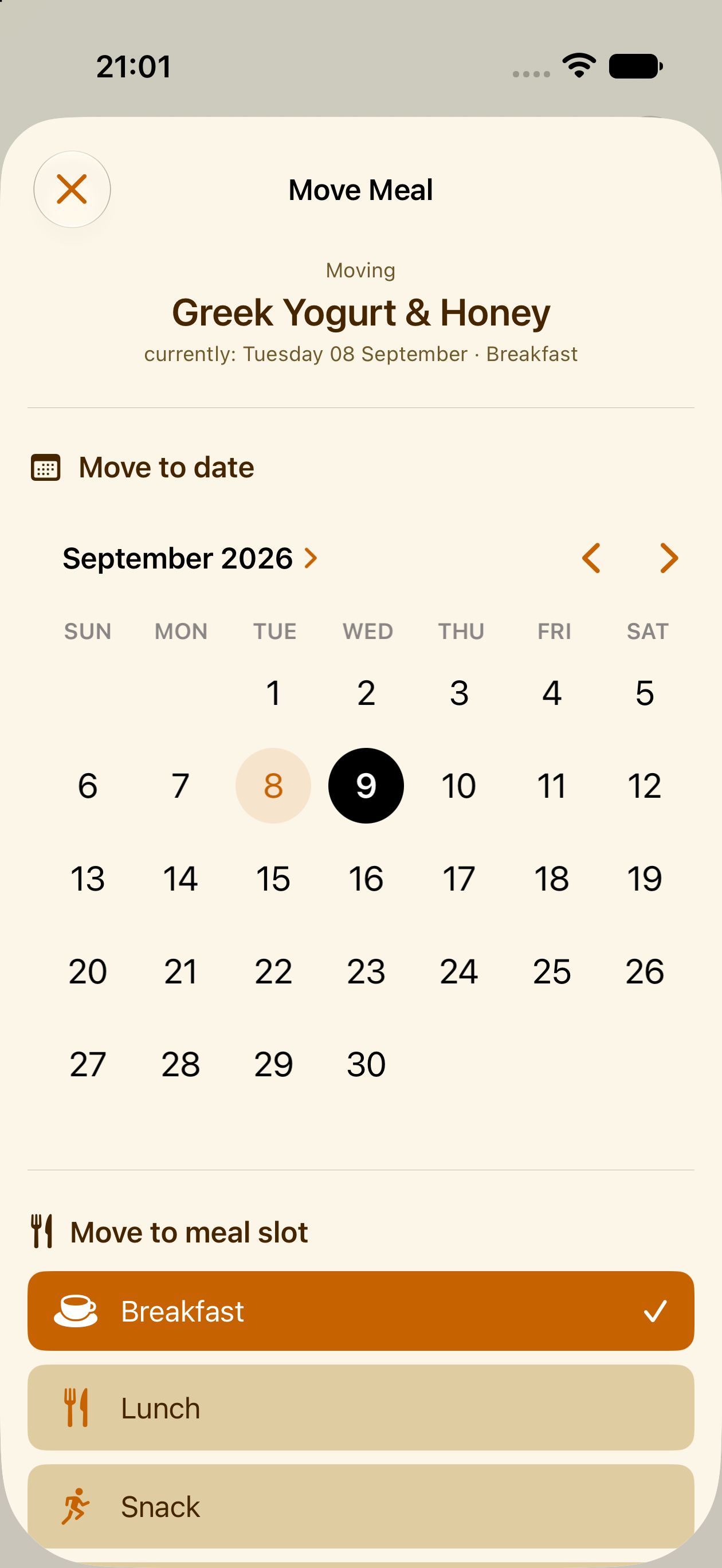
Move instead of delete
Plans changed? In the day view, tap the arrow icon next to that meal and pick a new date to move it there, instead of deleting it, so nothing you bought goes to waste.
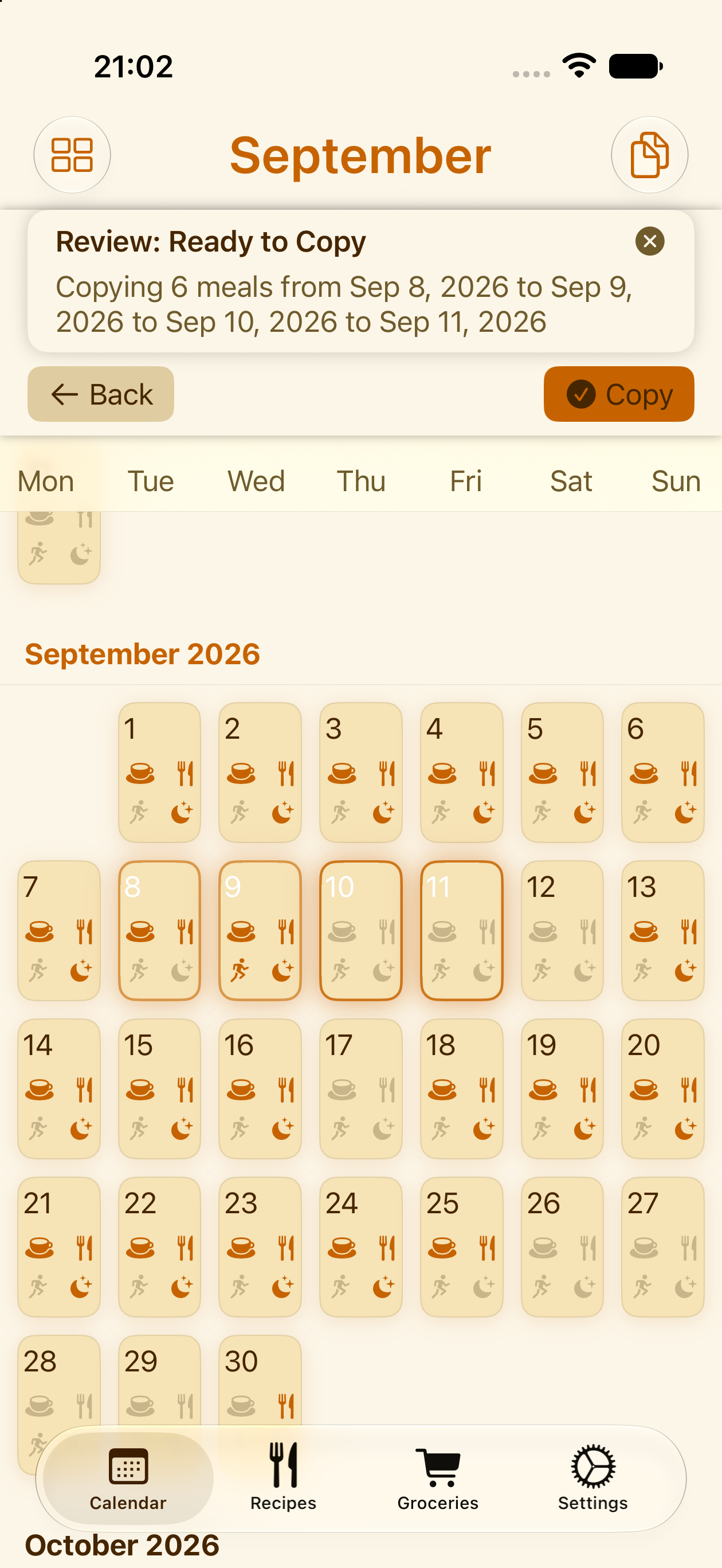
Copy a plan
Reusing a plan you liked? Tap the "copy" icon, the two overlapping pages at the top of the calendar, choose a day, a week, or a whole month as your source, then pick where it should land. Every meal in that range gets copied to the new dates in one go.
Shop from one list, not five recipes
PlanPot combines the ingredients from every meal on your calendar into a single grocery list, organized by store, with duplicate quantities added up automatically so you're not buying the same onion twice. Name your stores however you actually shop, and move an item to a different one if you end up buying it somewhere else.
And if you're ever wondering why an ingredient showed up, tap it to see exactly which recipes call for it and how much each one needs. Check items off as you shop, the list stays in sync with everyone in the family in real time.
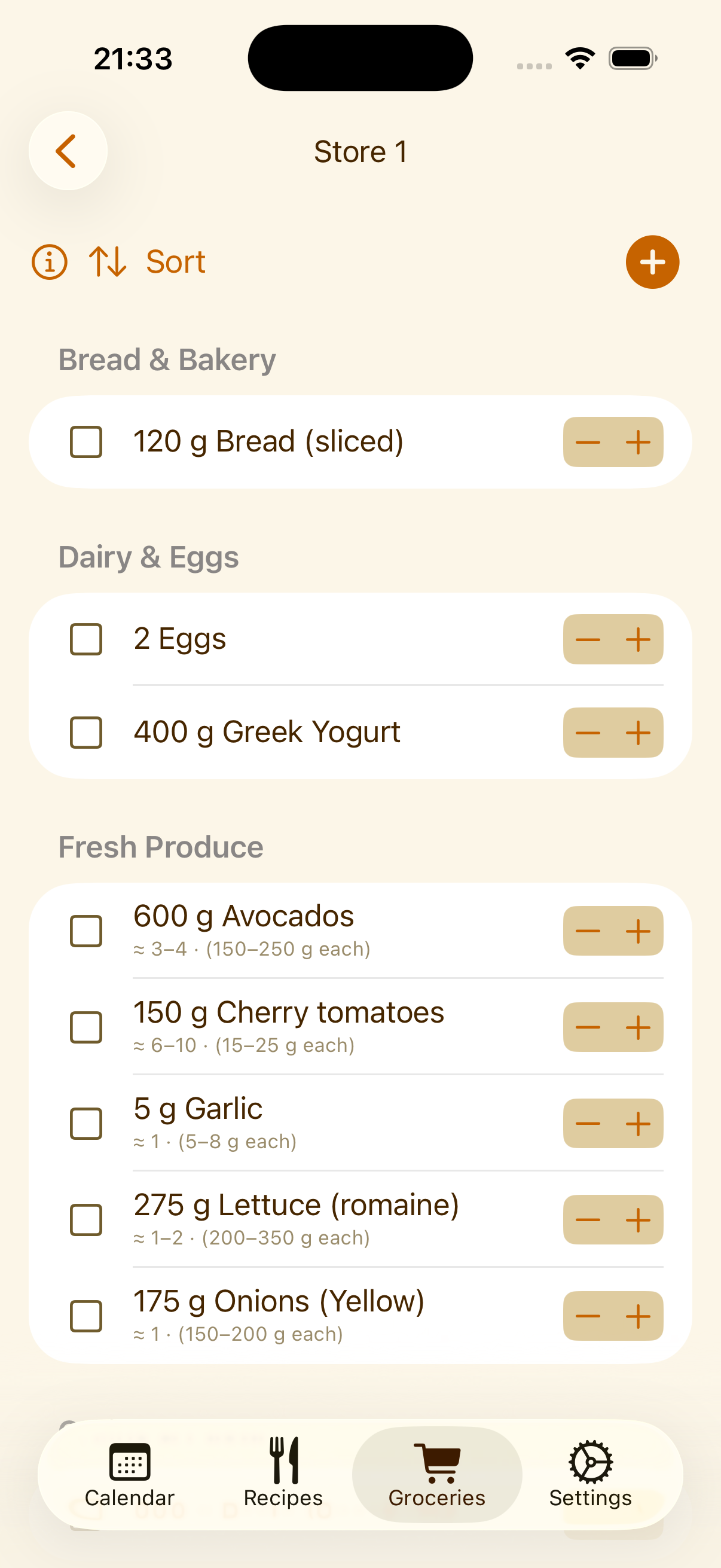
Anything, even off-list
Need something that isn't part of any recipe? Tap the "+" button to add it straight to your grocery list, no recipe required.
Keep the regulars around
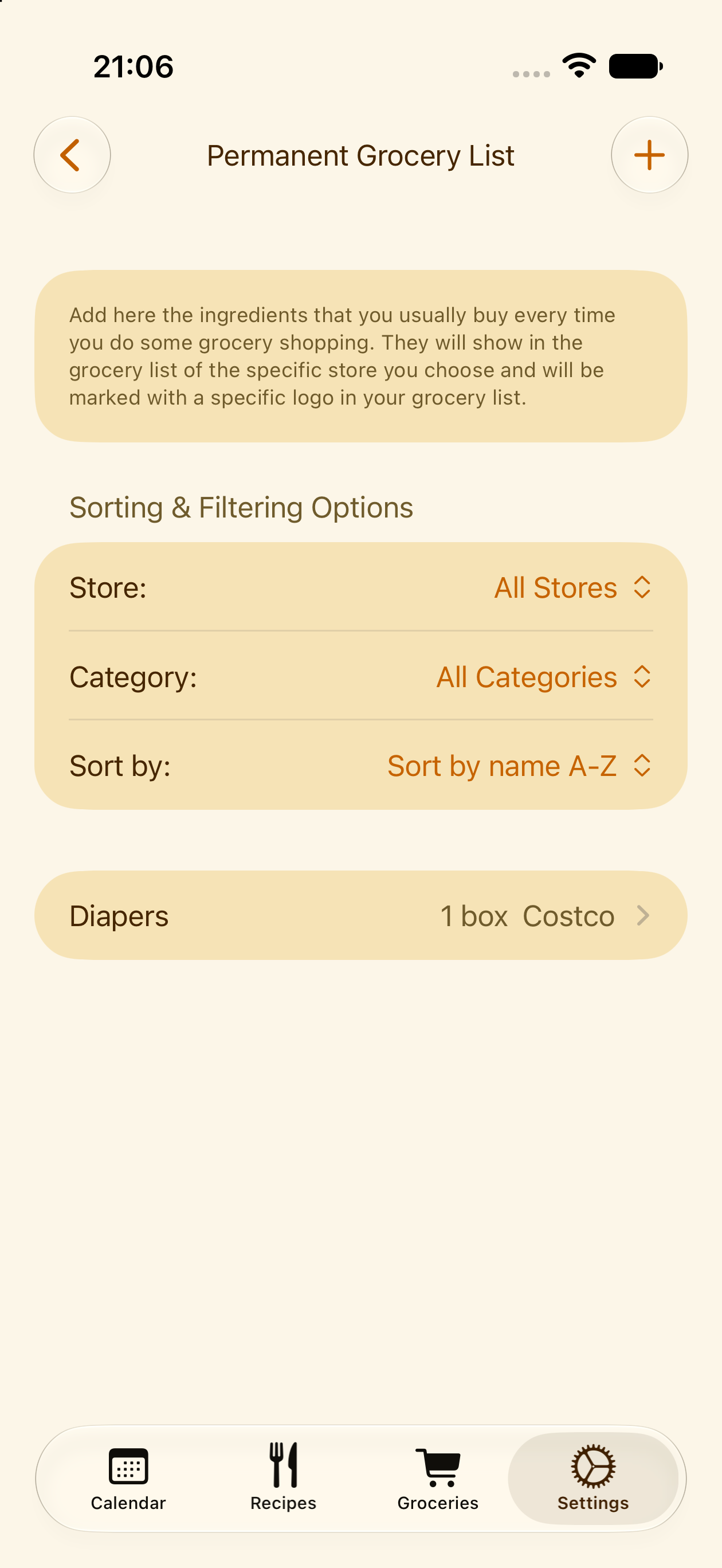
Diapers, dish soap, coffee filters: the stuff you buy every trip that's never part of a recipe. Mark it as permanent and it'll show up on your list automatically each time, ready to check off.
Your data stays yours
PlanPot doesn't require an account and doesn't collect personal information. Your recipes and plans live on your device and, if you enable it, in your own iCloud account, never on our servers.
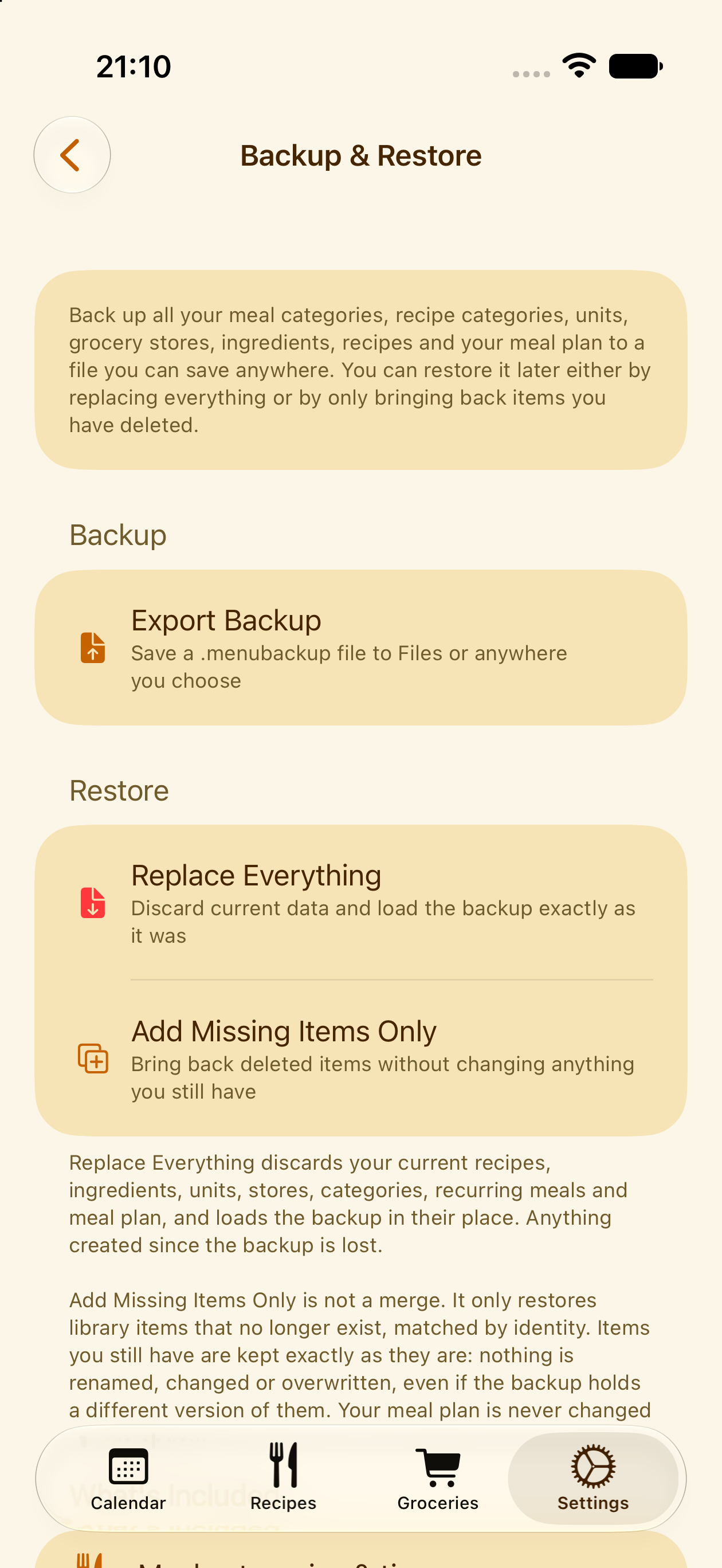
Automatic local backups protect against accidental deletions, with recent, weekly, and monthly checkpoints kept on your device. If you ever need to restore one, you choose how: bring everything back exactly as it was, or restore only what's missing and leave anything you've added since untouched.
And many more, smaller things
The features above are the big ones. These are the small touches you'll bump into once you're actually using the app.
Custom unit conversions
In ingredient settings, set up conversions for however your family measures things. For items you buy by the piece but cook by weight, like a lemon or an onion, add a min and max so the grocery list shows you both, how many to buy and roughly how much that is, so you don't end up with too many or too few.
One-tap grocery ranges
Shop by the week, two weeks, or the month? Set up your usual date ranges once in settings, then generate a grocery list for that exact range in a single tap.
A calendar sized your way
Adjust the size of the days in the weekly calendar view, more compact to see the whole week at once, or larger to see more of what's planned for each day.
And more to discover
Small settings and shortcuts throughout the app, worth poking around for once you've settled in.
Let's get started
The clearest way to understand PlanPot is to watch a week go from empty to planned.