Stop wondering “what’s for dinner?” forever.
Meal planning is one of those invisible tasks that quietly exhausts you. PlanPot takes the recipes, planning, and grocery list out of your head and puts them in one shared place, organized and up to date. Turn on iCloud sync and the whole family sees the same plan the moment it changes, so the mental load of feeding everyone doesn’t have to fall on one person, and your partner can check the plan instead of asking what’s for dinner for the tenth time.
Free to start · No account needed · Works with iCloud Family Sharing
Why I built thisMy wife was tired of me asking what was for lunch for the tenth time that week, and I was tired of standing in the grocery store calling her to ask exactly how many onions we needed, or which recipe that jar of capers was even for, since sometimes it genuinely matters. All of that lived in her head, a group chat, or nowhere at all. PlanPot puts it in one shared place instead: the recipes, the plan, and the list, so nobody has to remember and nobody has to ask.
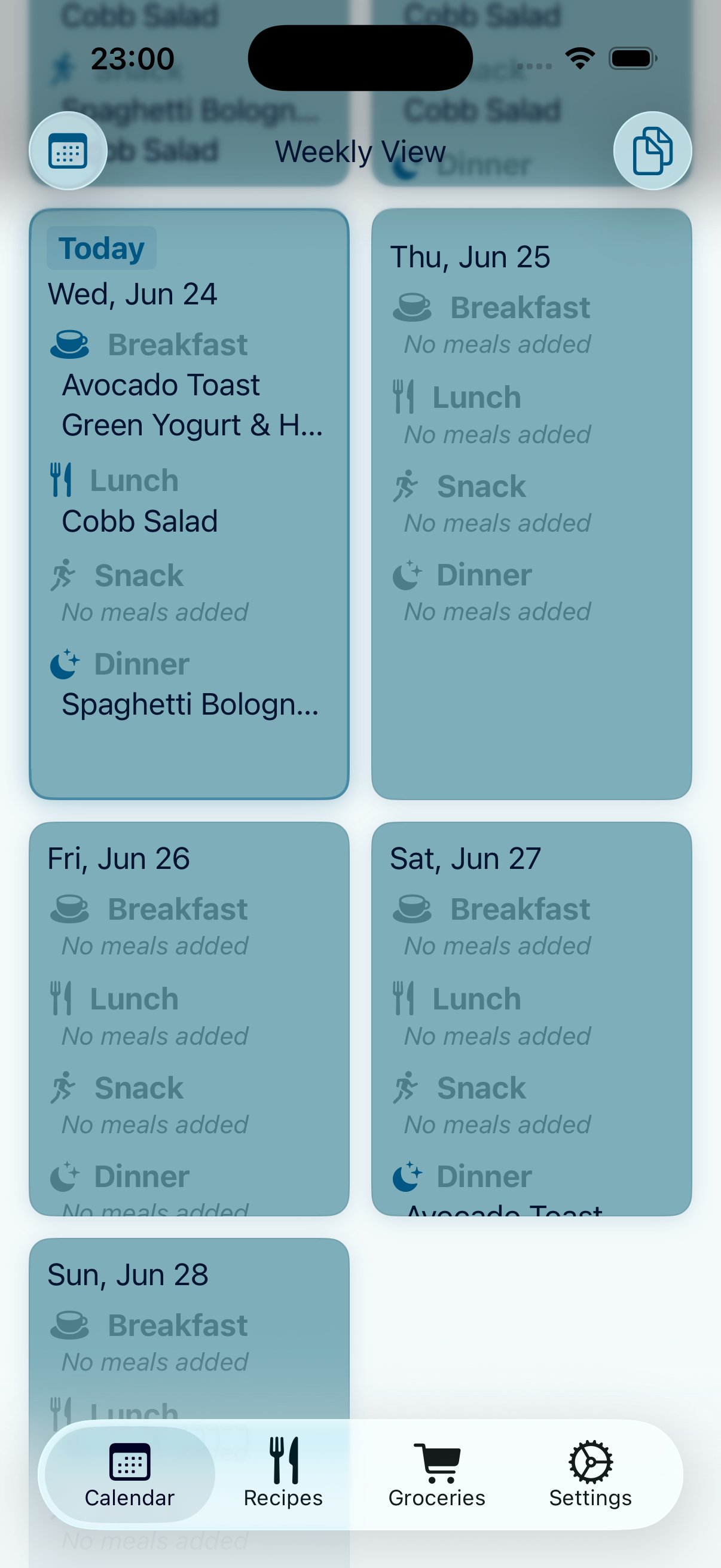
See your week your way
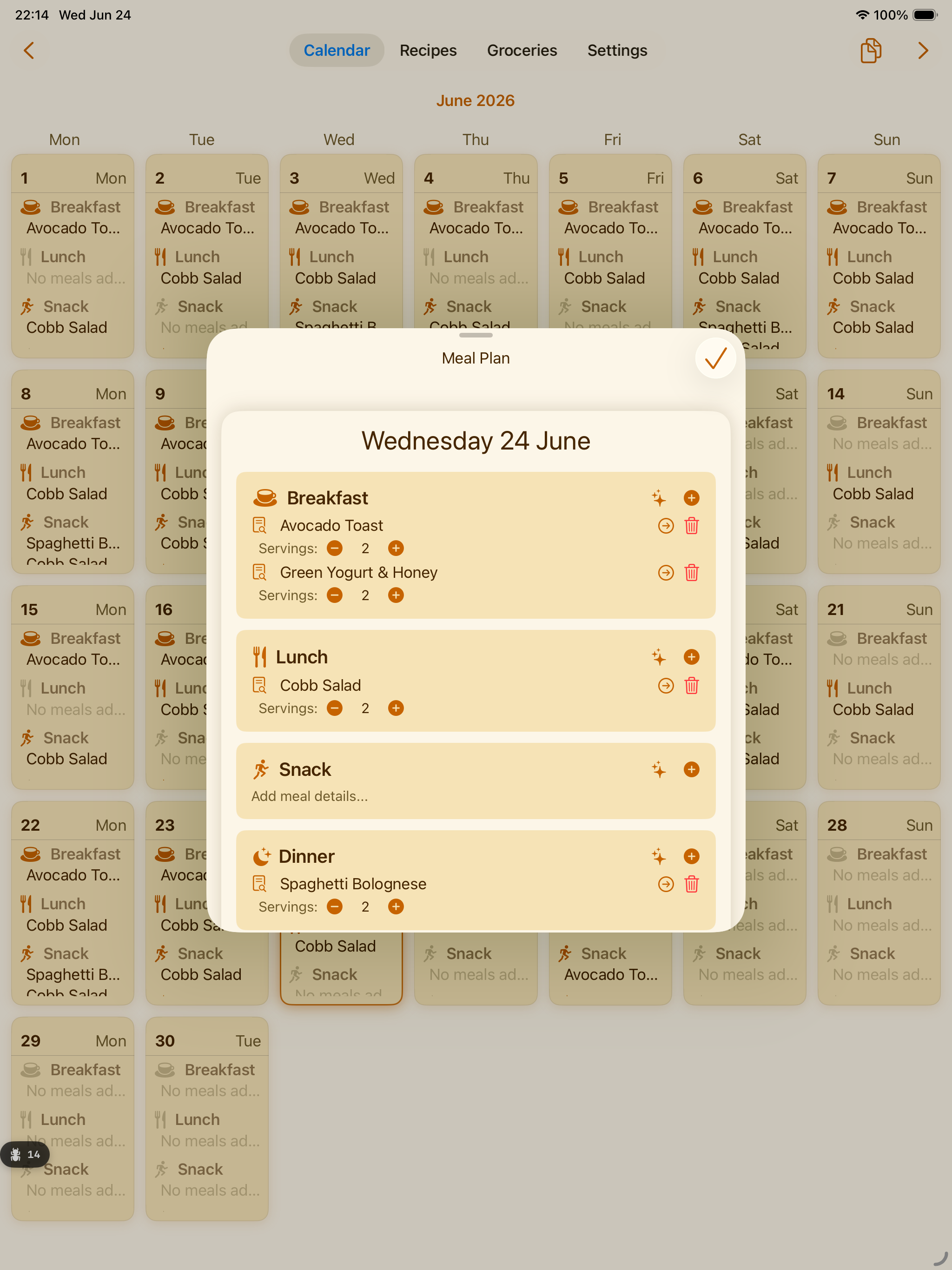
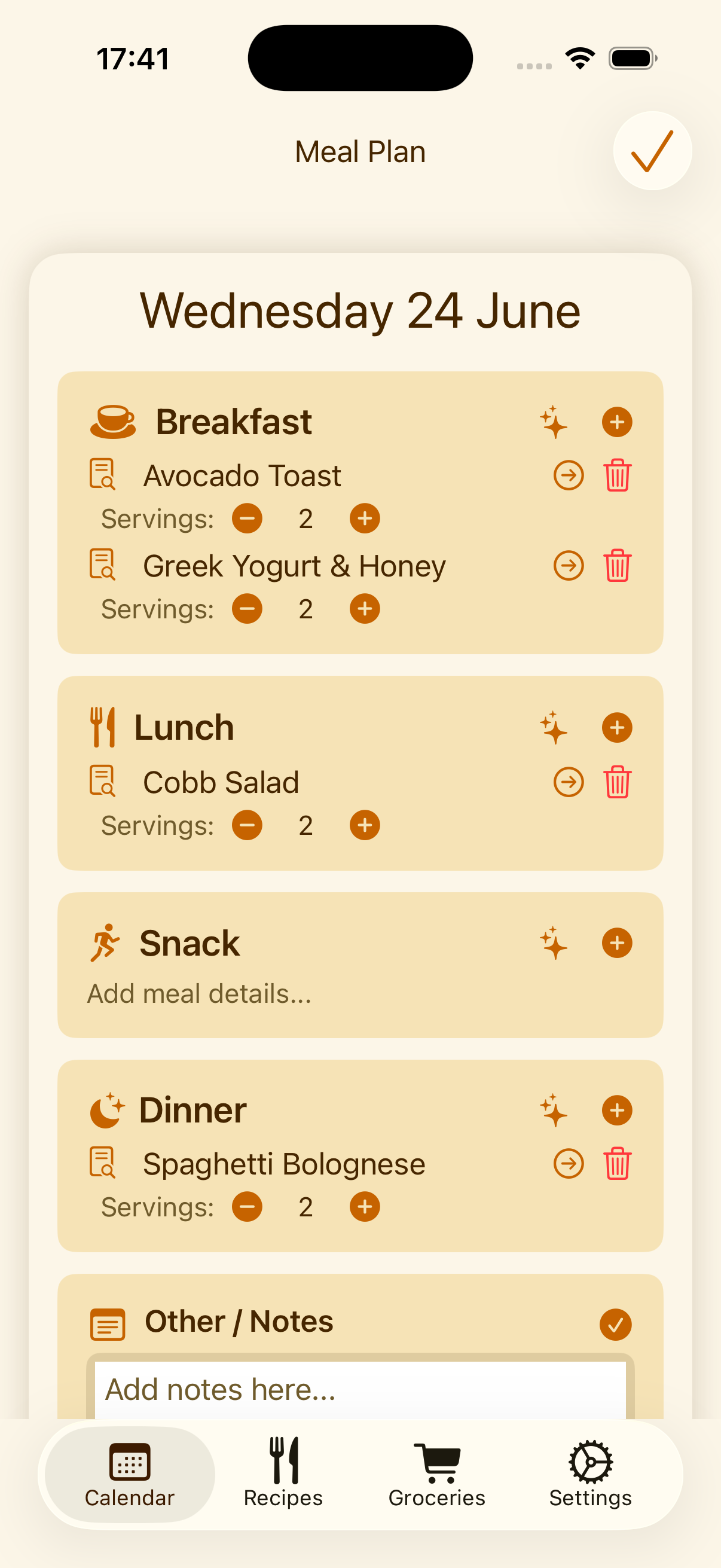
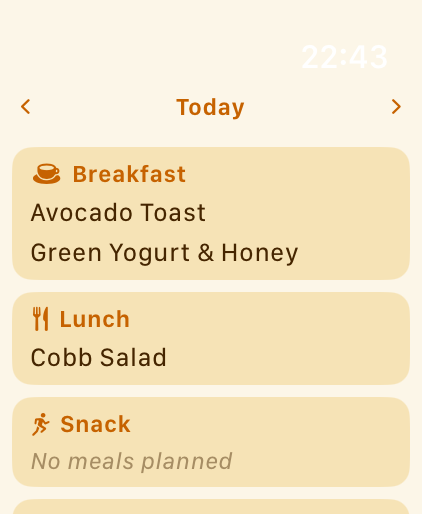
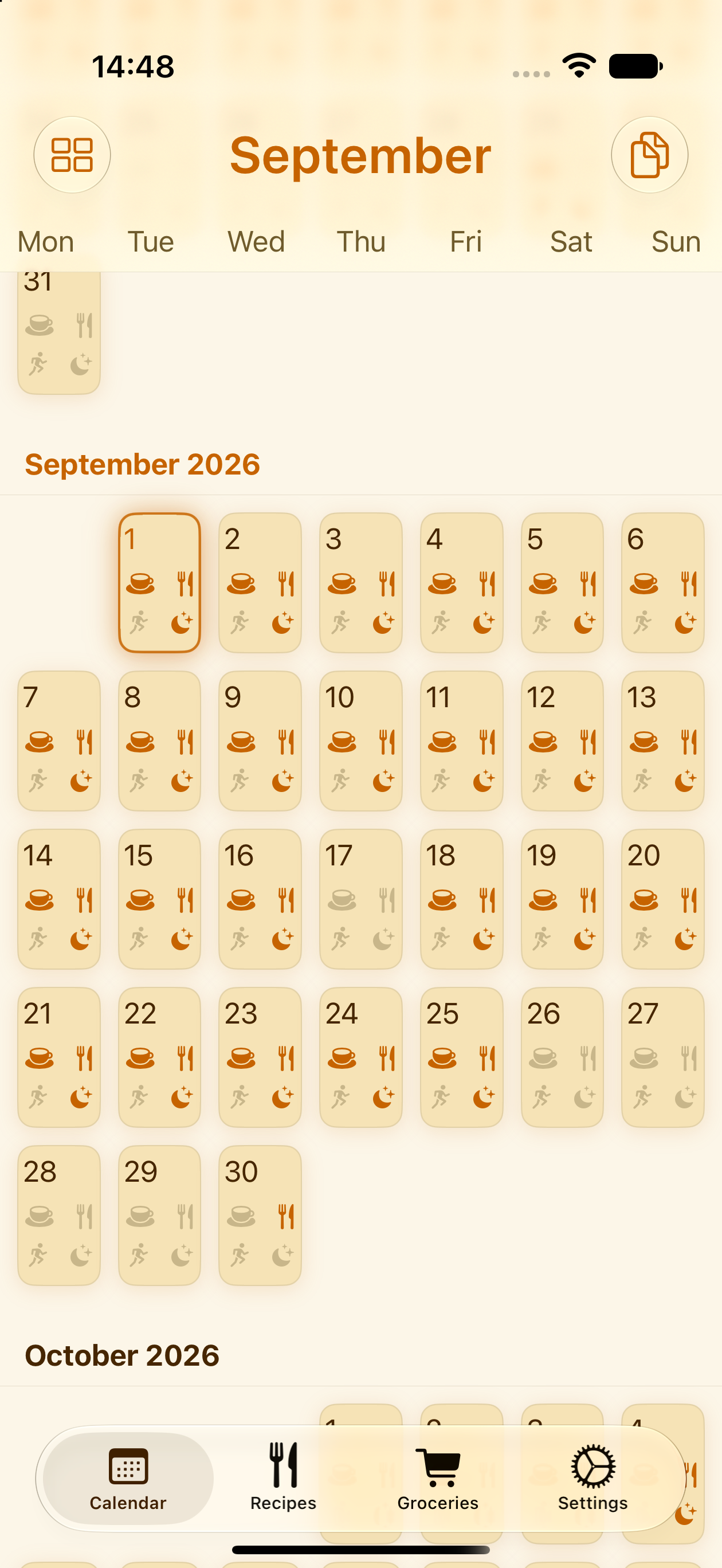
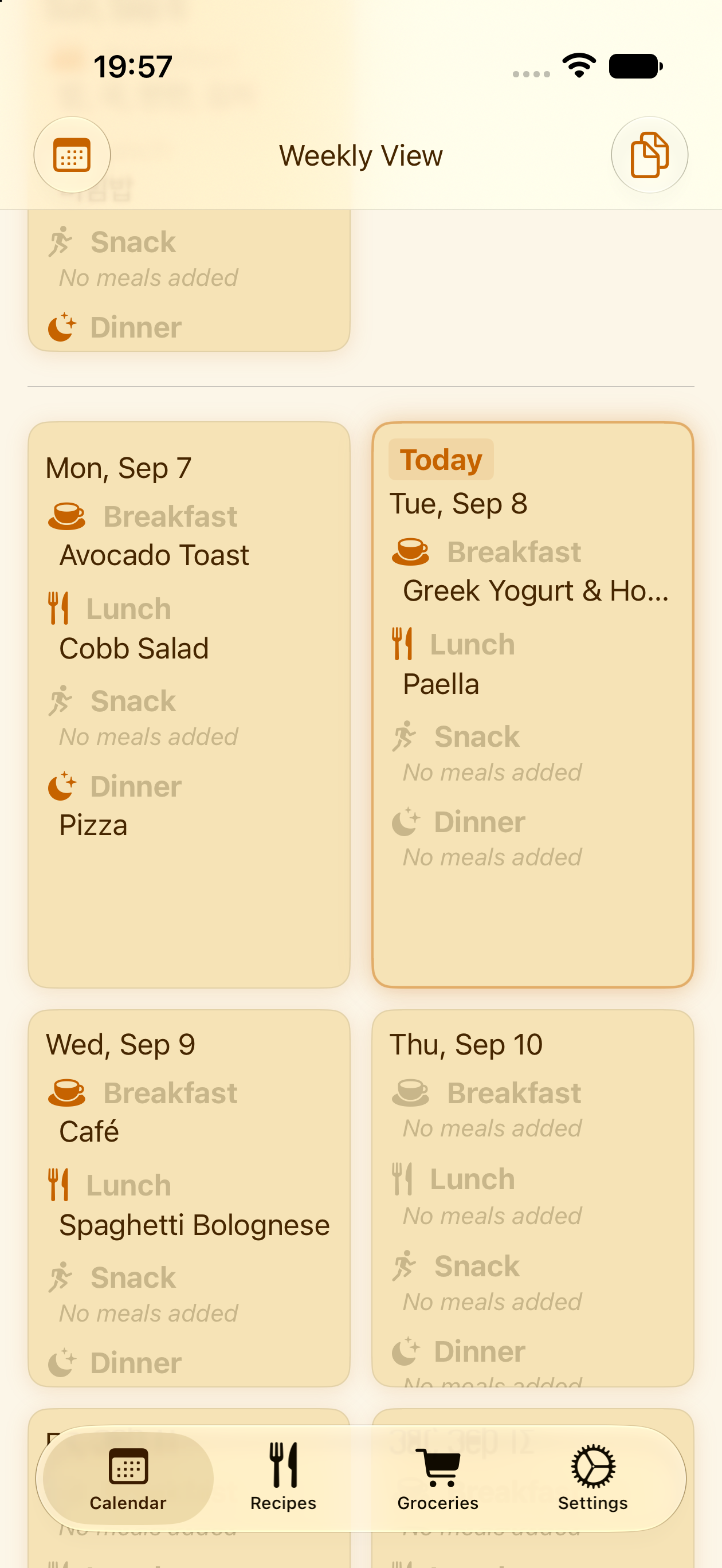
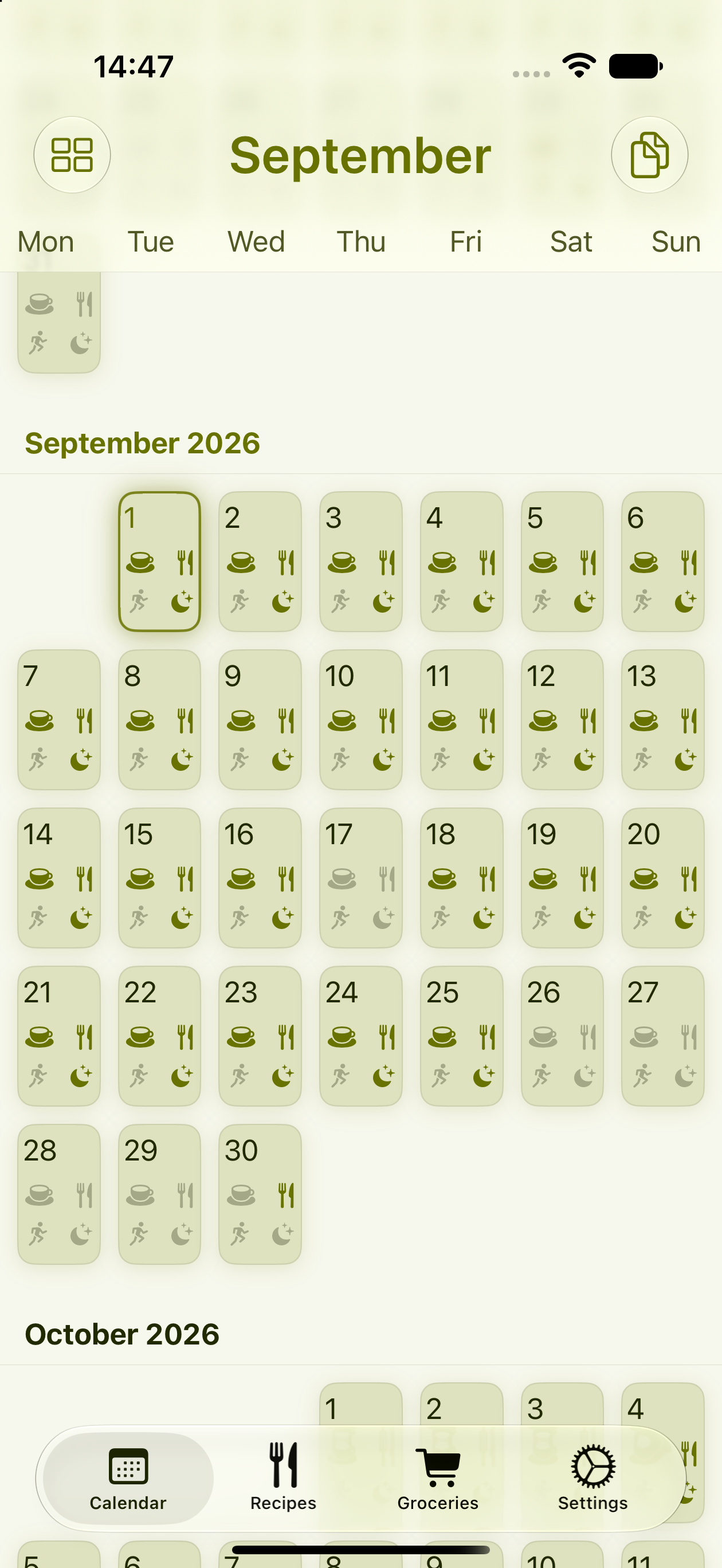
Switch between a month view, a week view, or a single day, and land on whichever one fits how you plan: a full calendar at a glance, or something closer to a paper sheet for the week ahead. Jump between them any time, it's always the same plan underneath.
Your recipes. Your week. Nobody else's database.
Other apps hand you thousands of recipes you'll never actually cook. PlanPot doesn't ship with a catalog to browse instead: it's built around the meals your family already makes, a household classic, a photo of a cookbook page, a link you saved, and turns them into a shared meal calendar and a grocery list that builds itself. No stranger's recipe catalog, no account required.
Add recipes exactly how you want
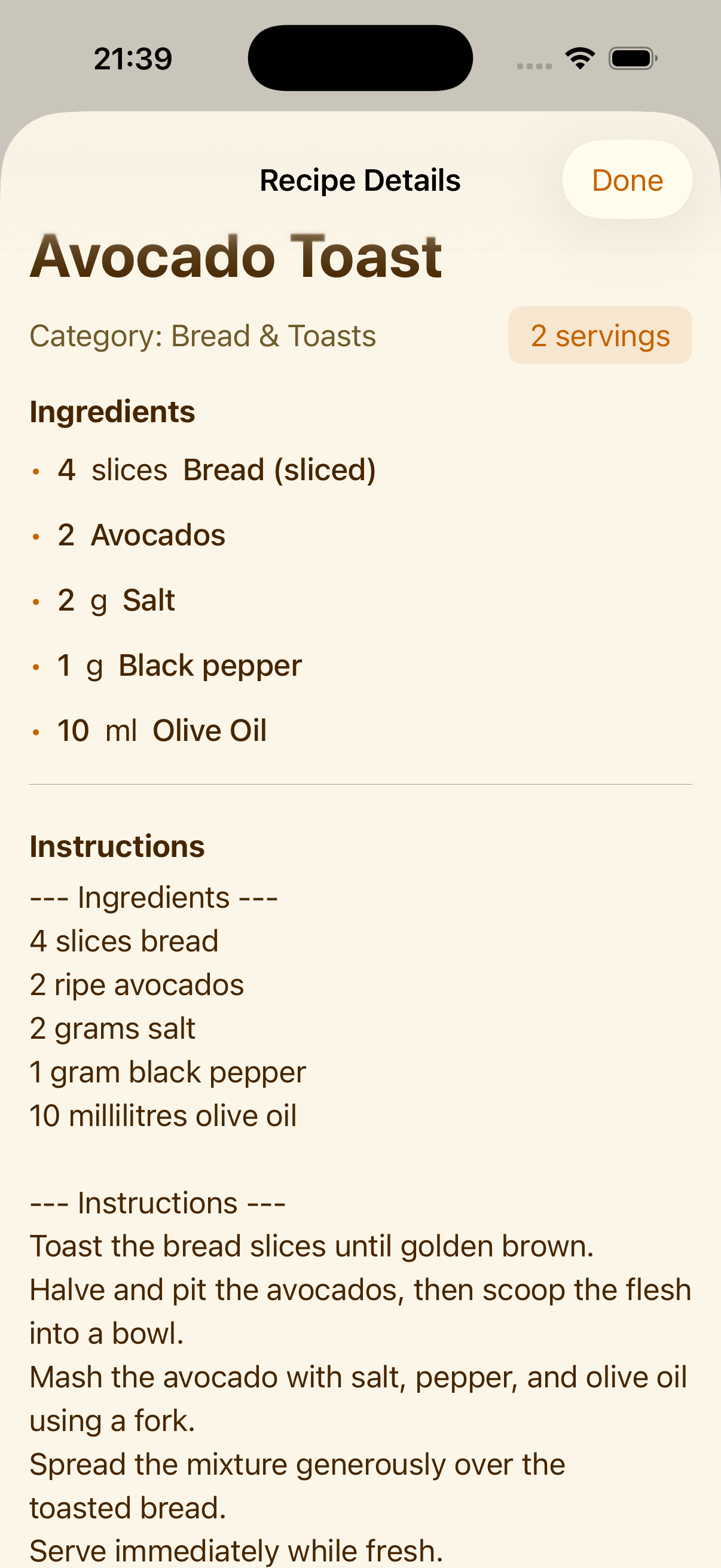
Two ways in, same result: a recipe that's ready to plan.
Add it by hand
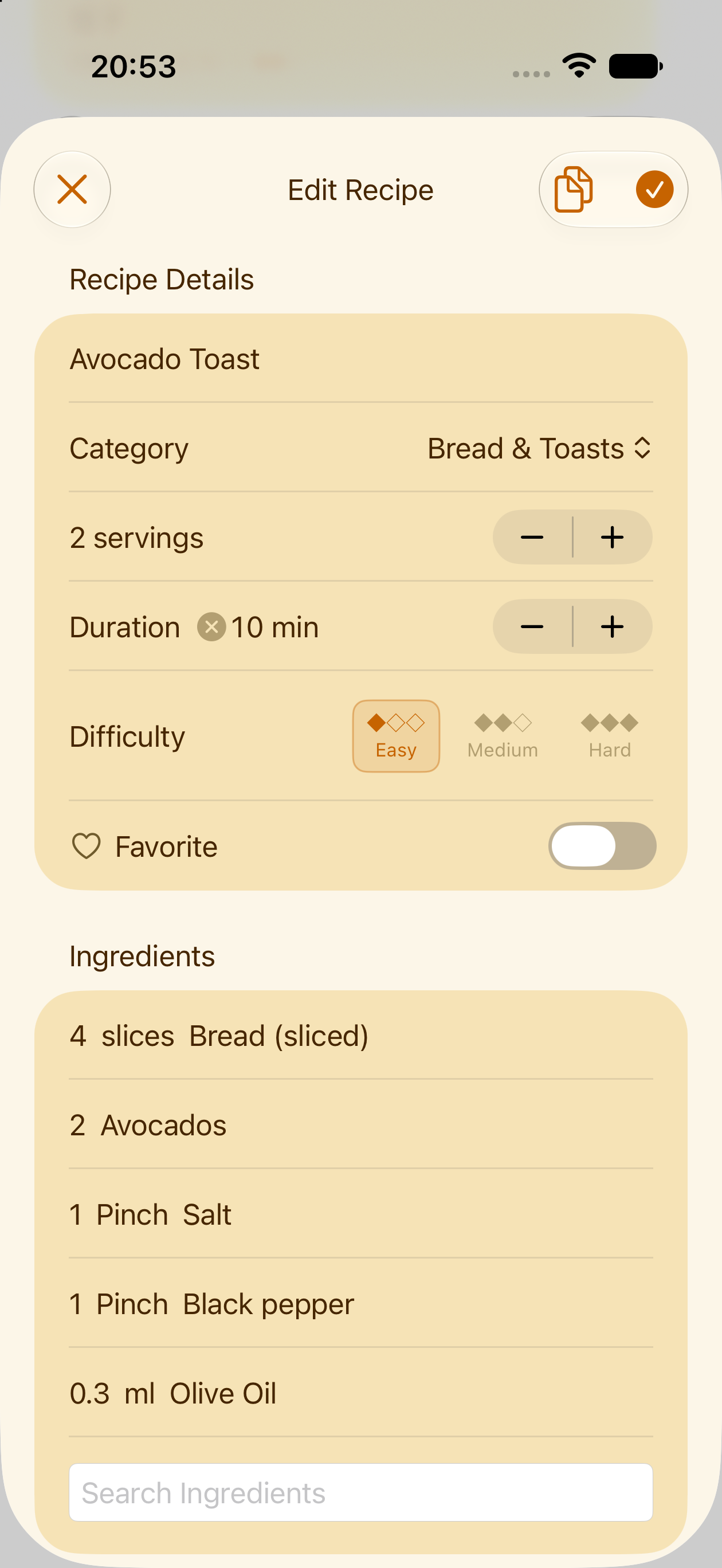
Type a recipe in exactly your way: your own quantities and units, your own categories, whatever serving size you actually cook for. Nothing about it is standardized to fit someone else's format.
Or let PlanPot do the typing
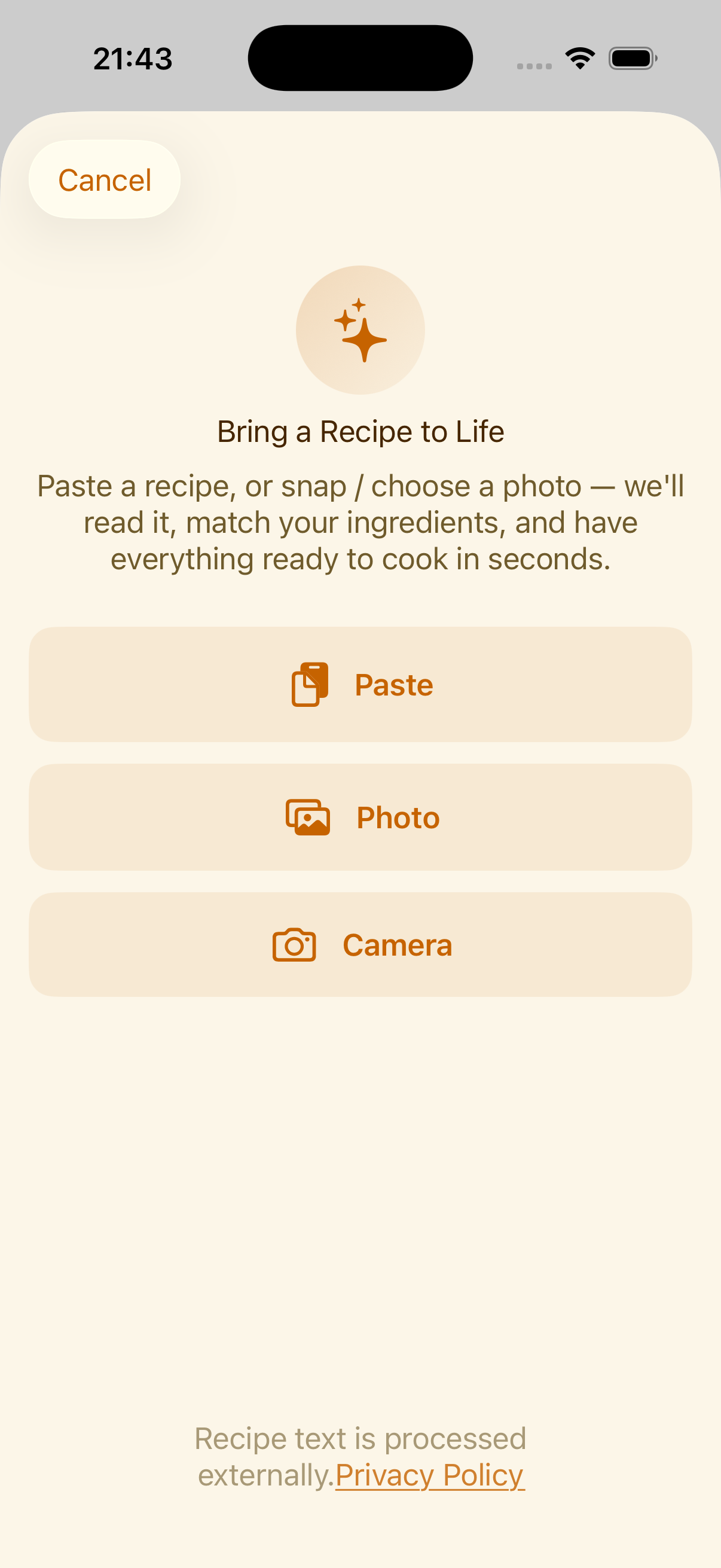
Typing out every recipe gets old fast. A screenshot from Instagram or Pinterest, a link from a cooking website, a photo of a page from your favorite cookbook, even text pasted from a message: PlanPot reads it and fills the recipe in for you. You confirm before it's saved.
Not sure what to eat? Just ask.
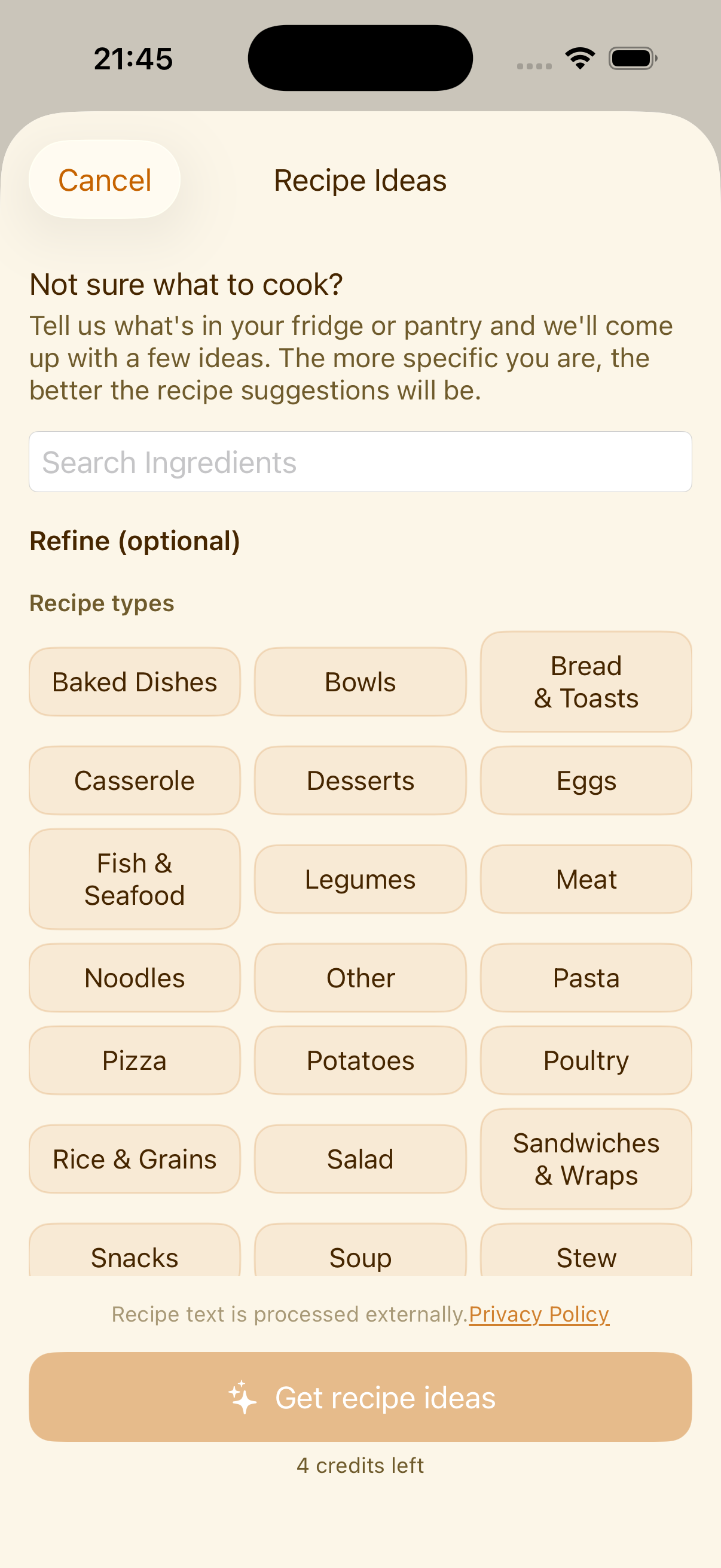
Some nights nothing comes to mind. Tell PlanPot what you have in the fridge or pantry, set a difficulty, a time limit, or a recipe type if you like, or skip all of that and leave it wide open.
PlanPot suggests three recipes to choose from. Pick one and it lands straight in your recipe book, on the meal plan, and on the grocery list, all in one go.
A list that writes itself
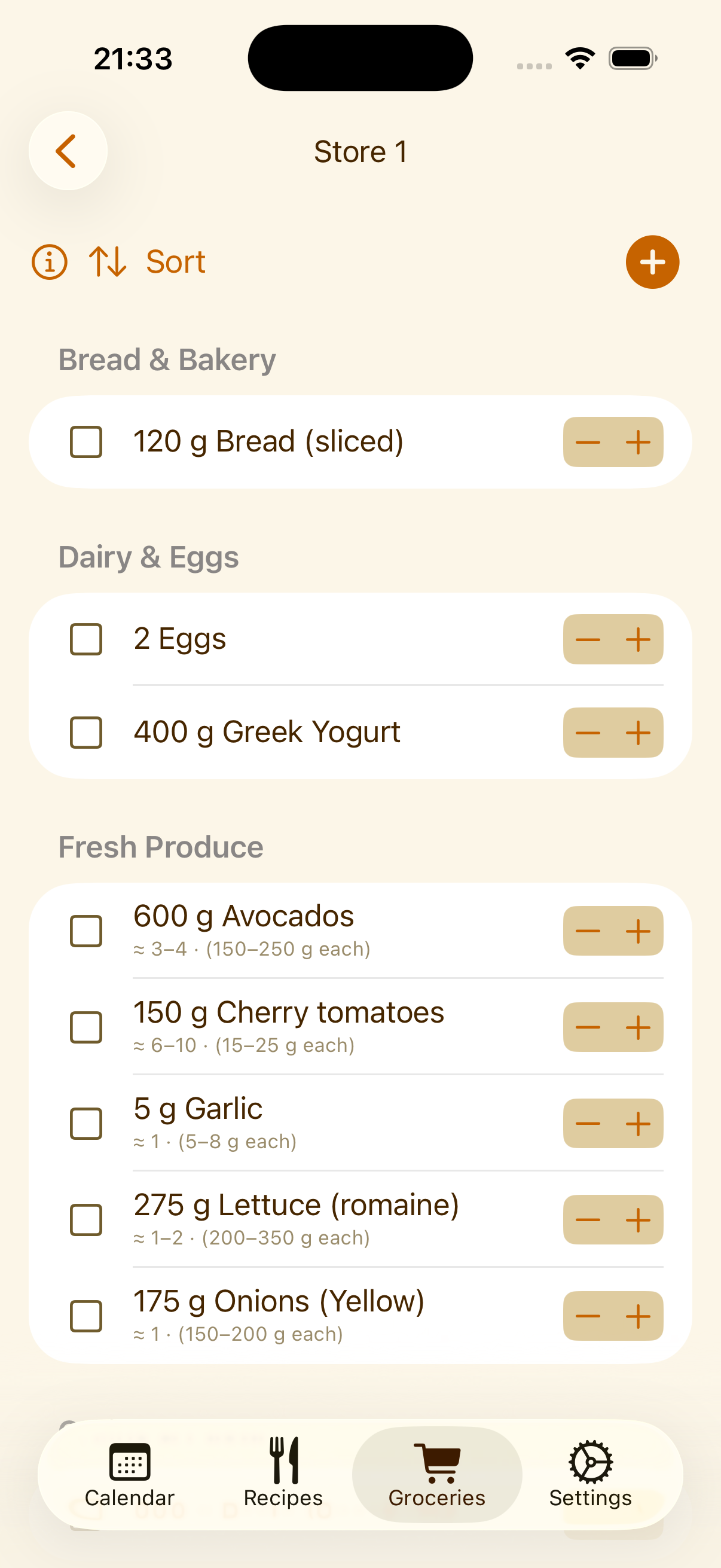
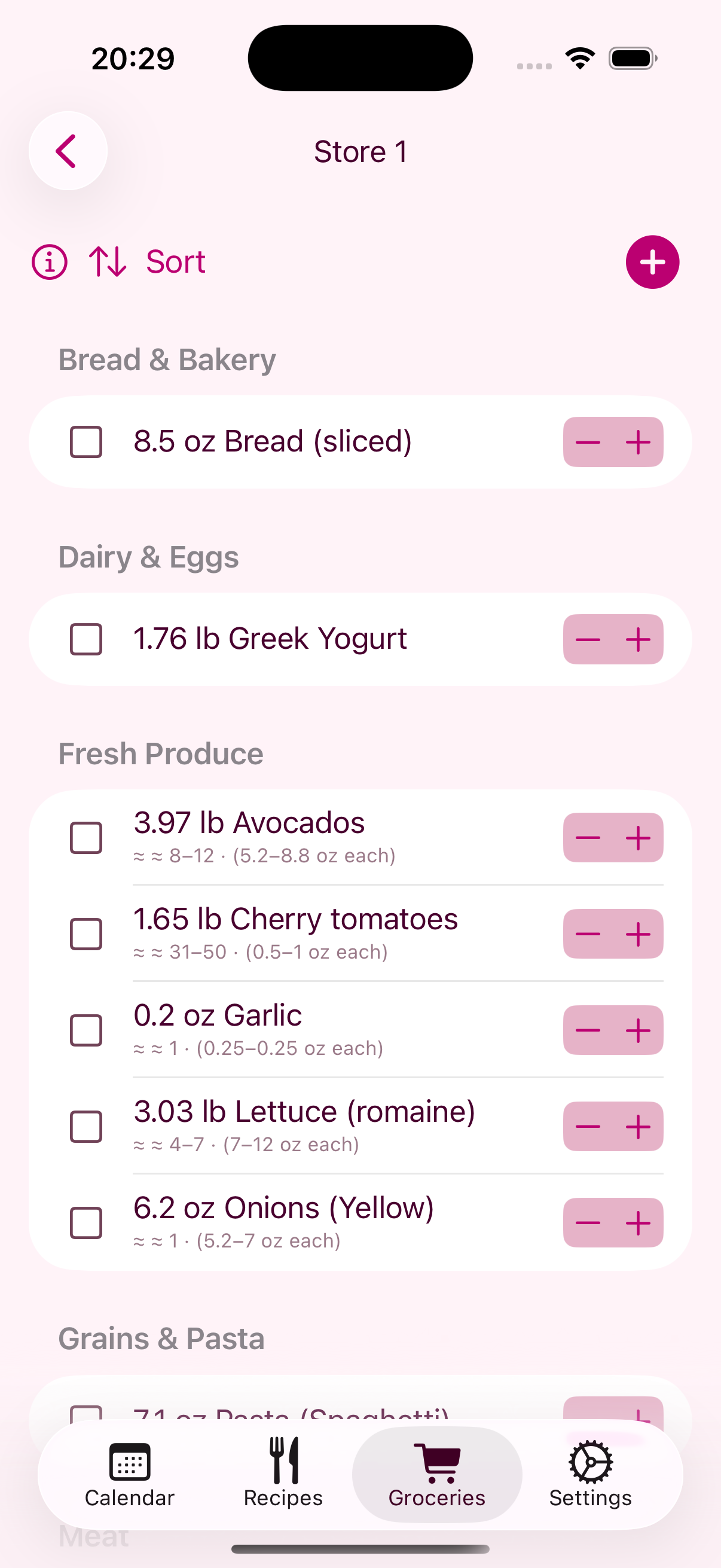
Every meal on your calendar feeds straight into one grocery list, with ingredients from different recipes added up automatically, even when they're written in different units, so you're never buying the same onion twice. It's all sorted by store and by category, so shopping means working through one aisle at a time instead of hunting through a jumble.
This is your app. Make it yours.
Meal categories, recipe categories, units, servings, themes and widgets: swipe through to see what's yours to set up.
Meal categories
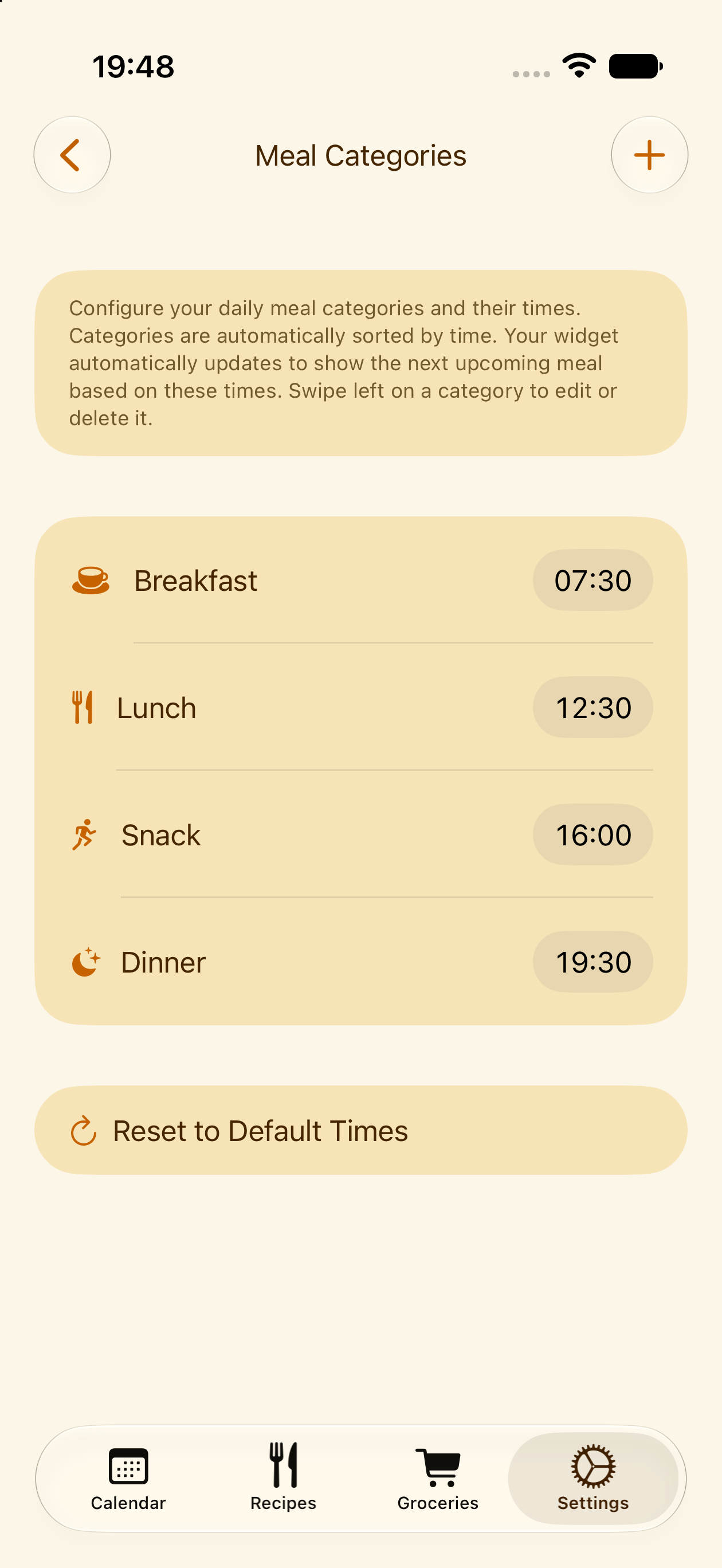
Not everyone eats on the same schedule. Add as many meal categories as you like, give each one an icon, and set the time of day it belongs to.
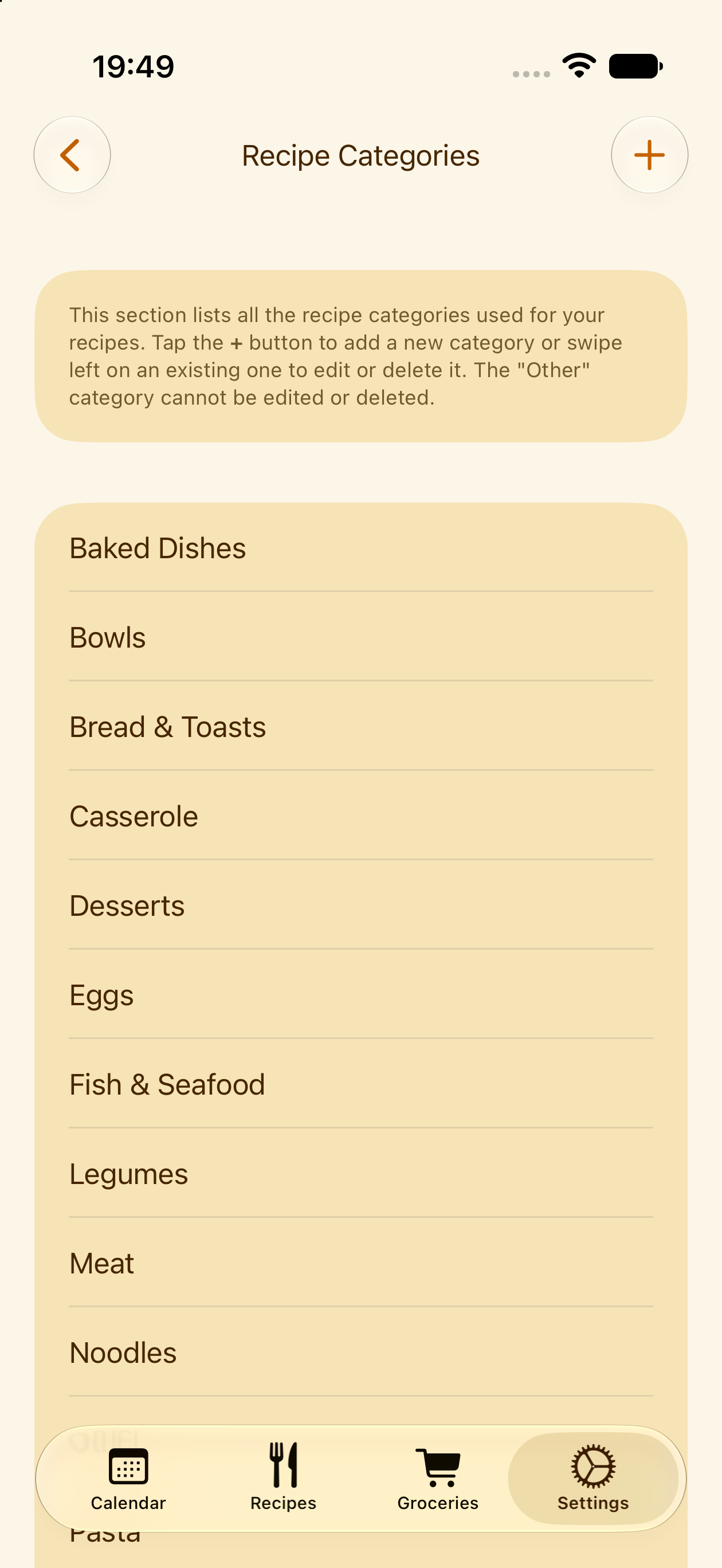
Recipe categories
Organize your recipe library the same way, with categories that match how your family actually thinks about food.
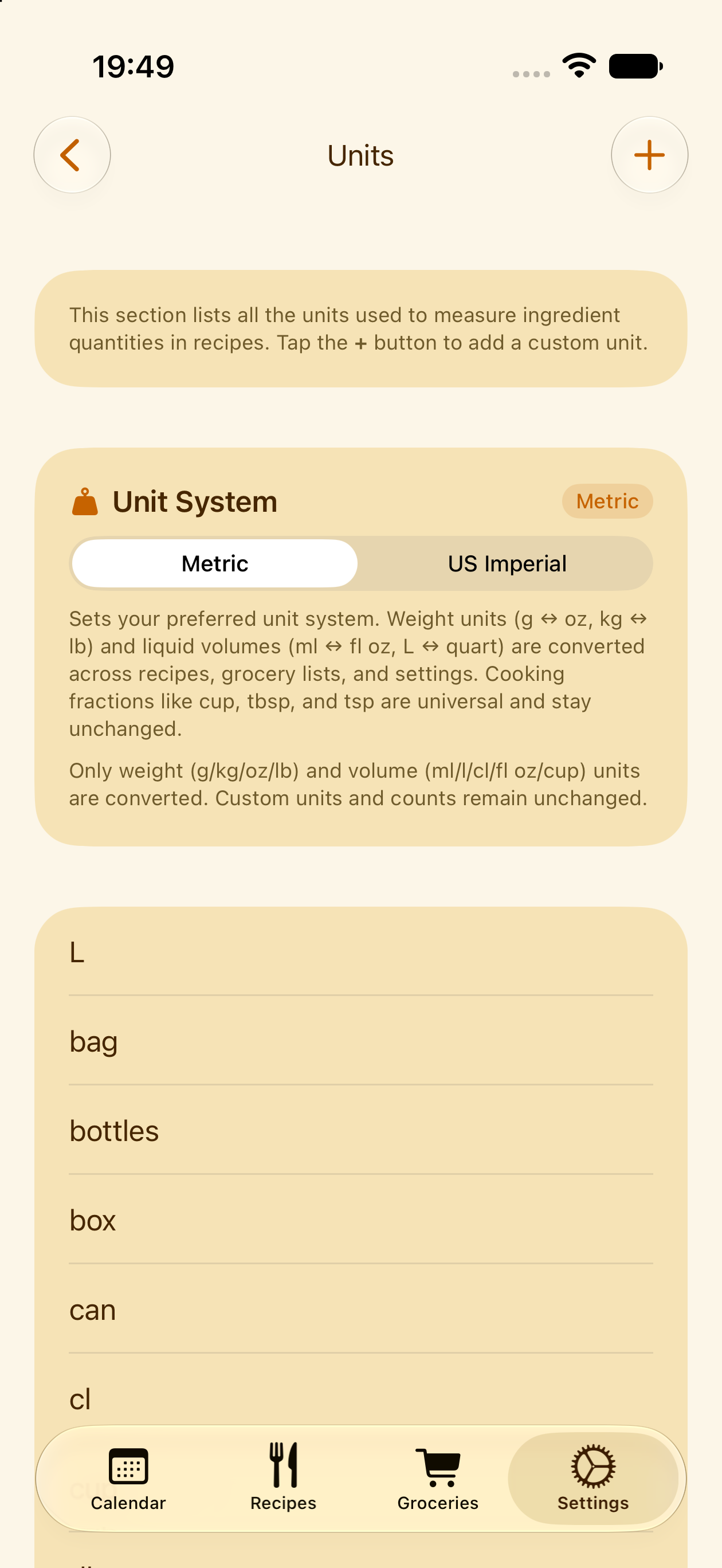
Units
Set up custom units and conversions that match how your family actually measures things in the kitchen.
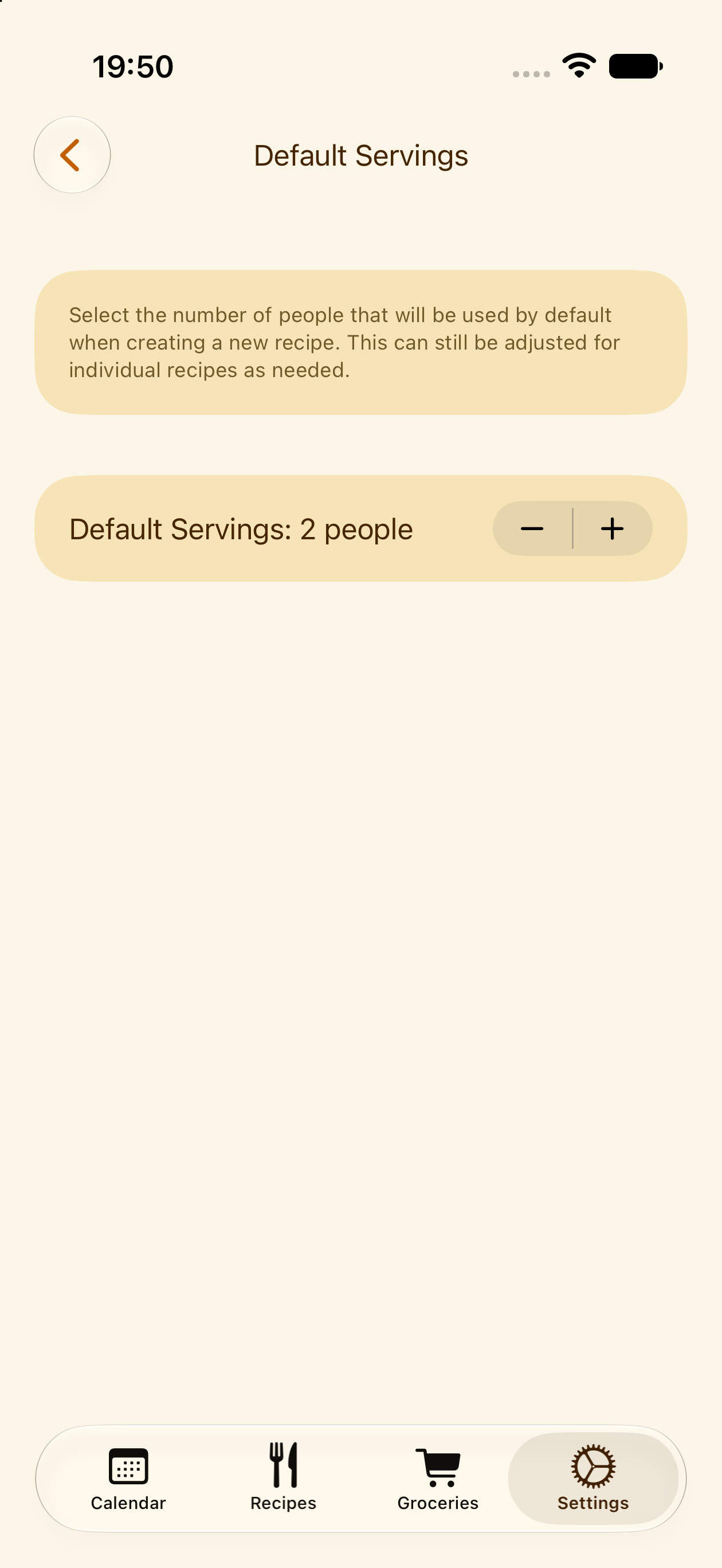
Servings
Every family is a different size. Set a default number of servings, and new recipes and meal plan entries scale to it automatically, though you can always override it for a specific recipe or a single meal on the plan.
Themes & fonts
Dozens of themes and fonts to choose from, so the app looks and feels like it was made for you.
Widgets
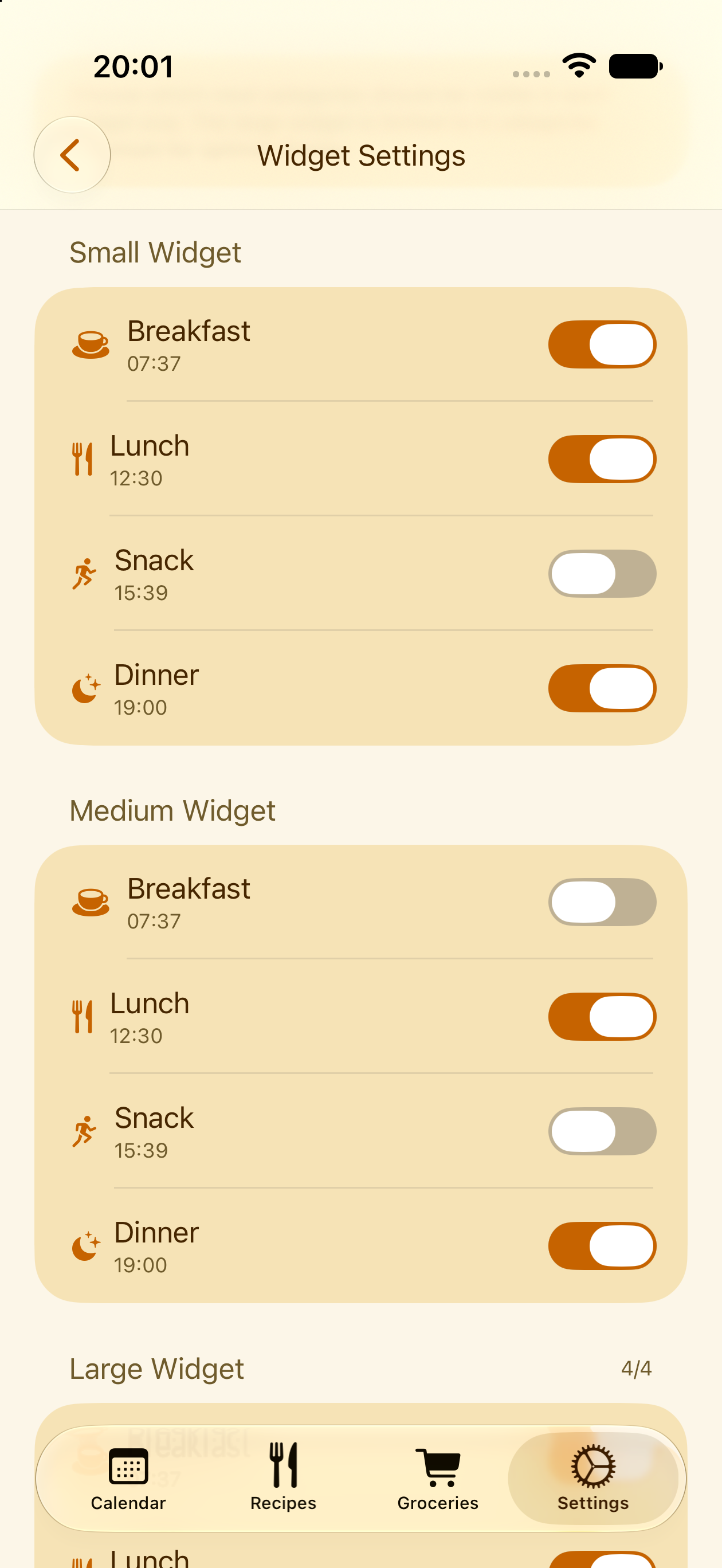
Choose exactly which widgets show up on your home screen and Apple Watch, and hide the meal categories you don't want to see there, snack or breakfast, for example.
Check tonight's dinner without opening the app
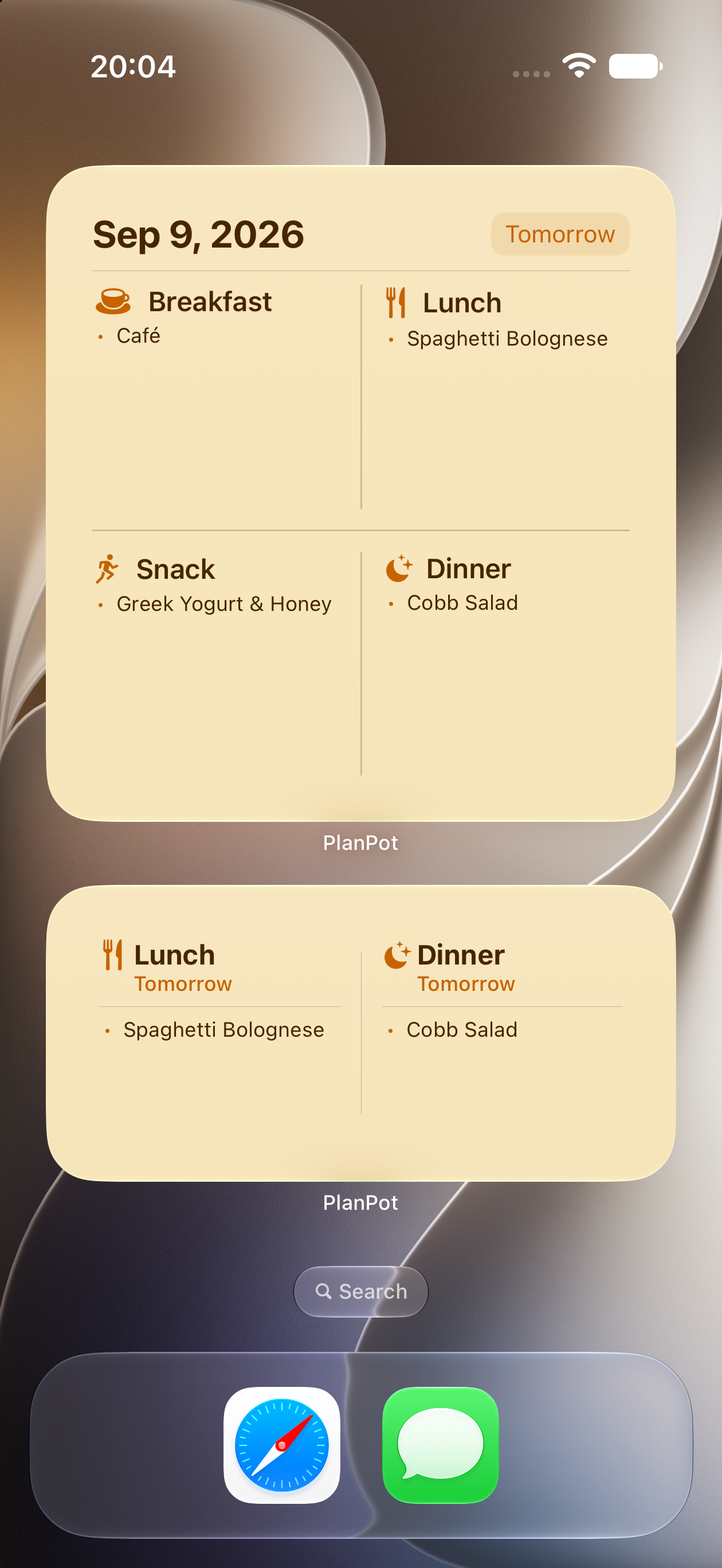
A companion Apple Watch app and a set of iPhone home screen widgets show what's coming up next on the meal plan at a glance, so checking what's for dinner doesn't mean unlocking your phone or opening the app.
Speaks your family's language
PlanPot is fully translated, not just auto-translated at the last minute.
Let's get started
Download PlanPot and plan your first week in a few minutes. No account, no setup, just your recipes. Every essential feature is free, nothing important is locked away. Premium simply adds extra themes, fonts and recipe import credits for families who want more.